Support that finds the cause. And acts only once you approve.
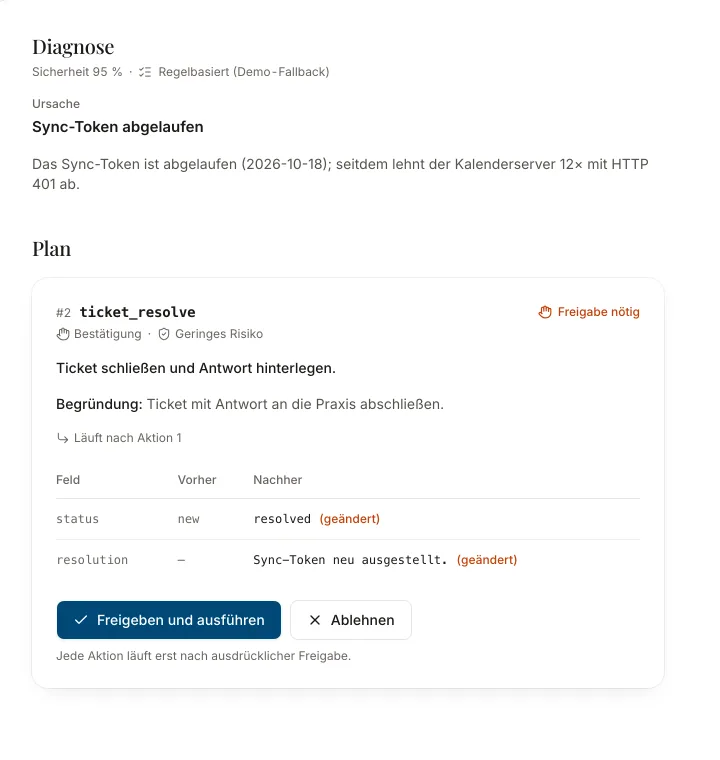
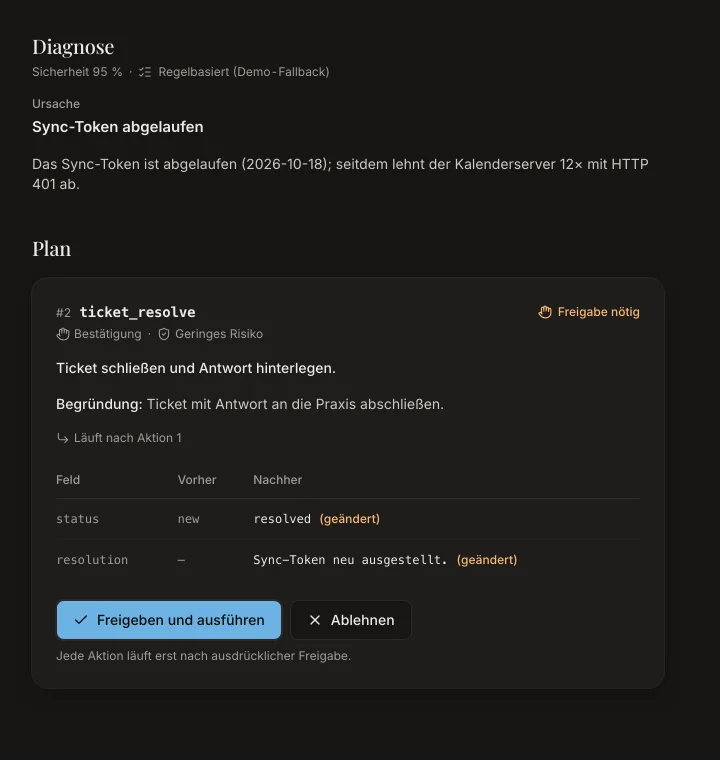
Agents read the configuration, logs, versions and knowledge articles of an Elefant practice, name the cause with evidence and propose a fix. Nothing changes until a person approves, and every change lands in the audit trail.
From ticket to fix in six steps
Every step is visible: which tool ran, what it found and who decided.
Triage
Category, priority and practice are read from the ticket.
Diagnosis
Read tools check configuration, logs, versions and the knowledge base.
Plan
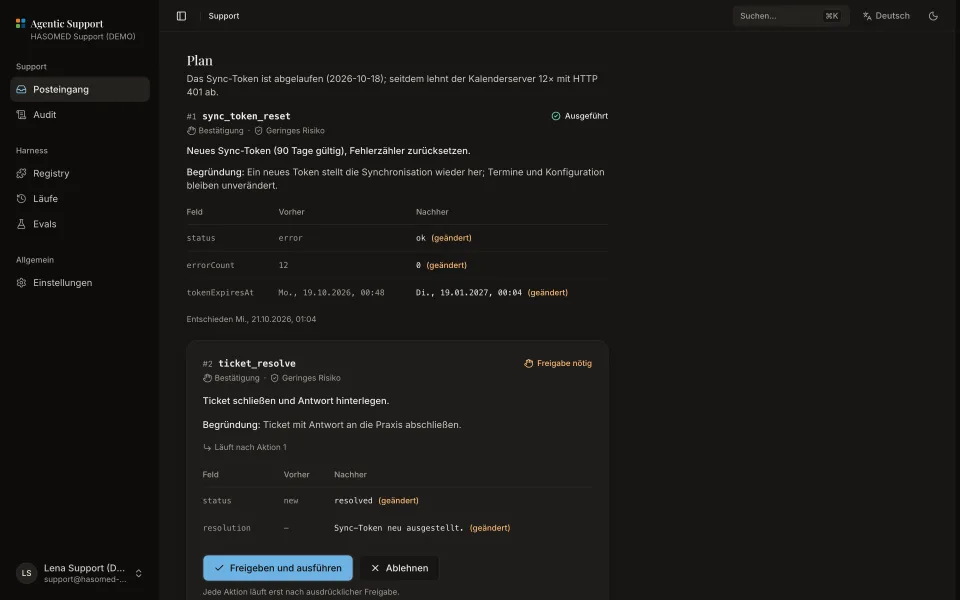
The agent proposes actions with a preview, a risk and an approval rule.
Approval
A person approves or rejects; sensitive changes need two people.
Execution
Only now does the tool write, with exactly the approved input.
Audit
Before, after and the tool calls land in a hash-chained trail.
- Diagnose

- Approve

- Operate
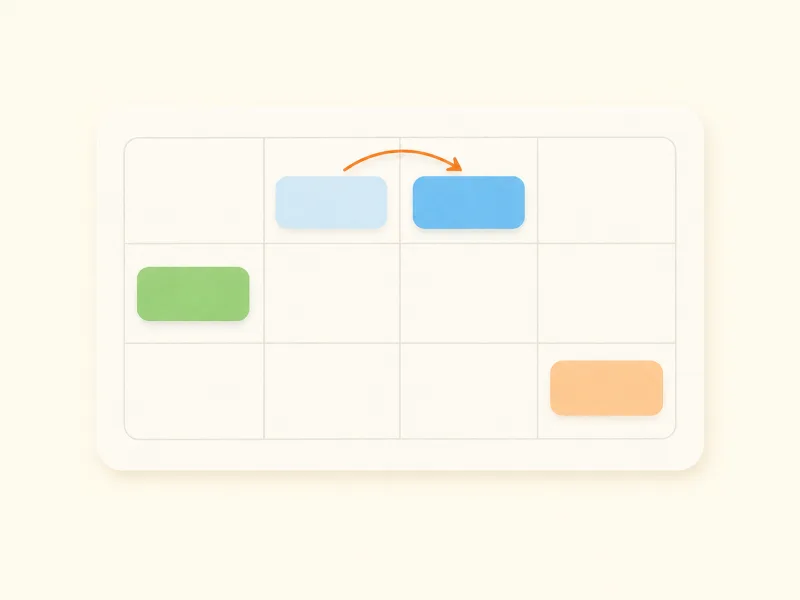
One registry, three workplaces
Support, harness owners and practice teams work with the same tools and the same approval rules.
Support console
Inbox with triage, the agent's live trace, causes with evidence and actions waiting for approval.
Start demo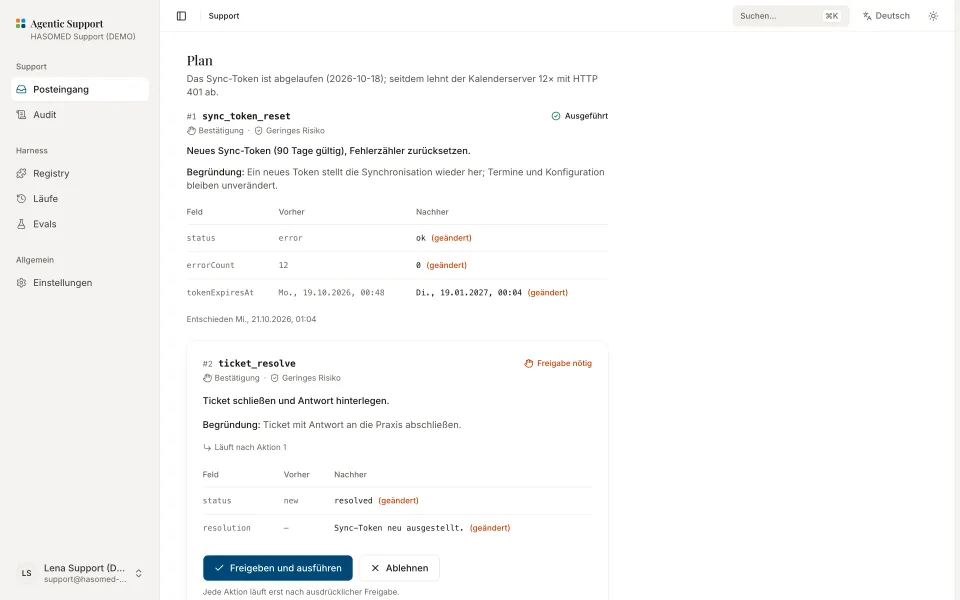
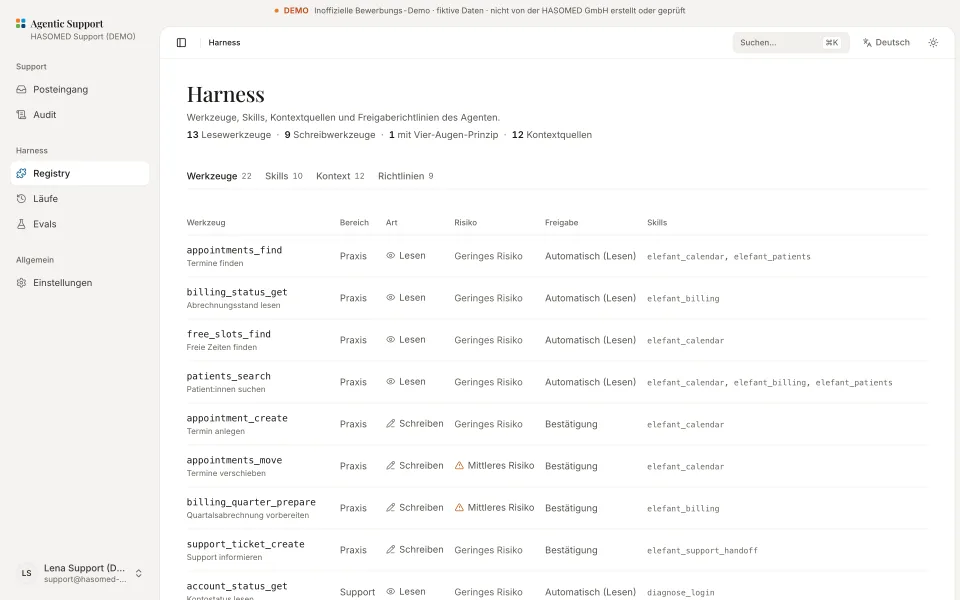
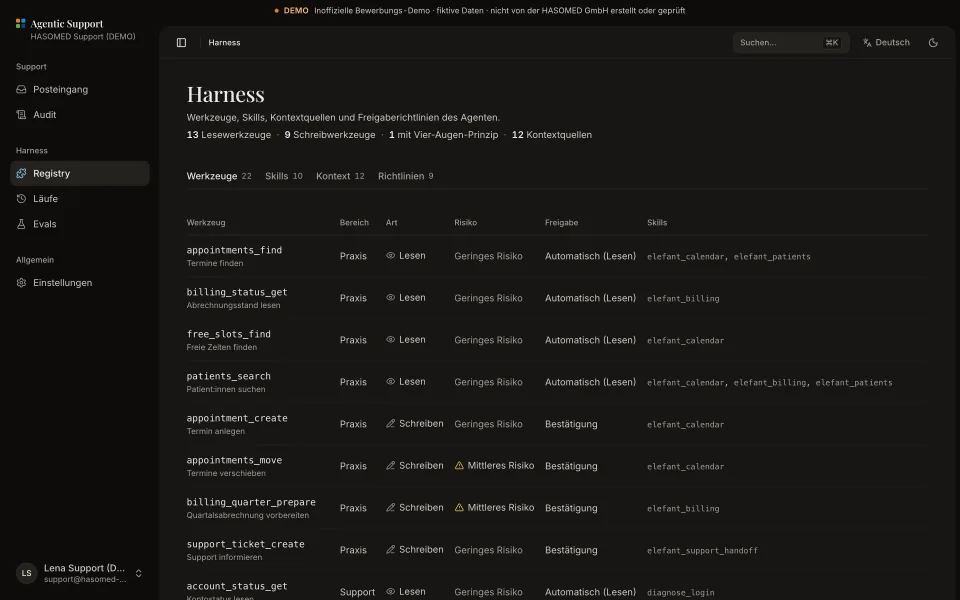
Harness
Tools, skills, context sources and approval rules in one place, plus runs with replay and evals.
Start demo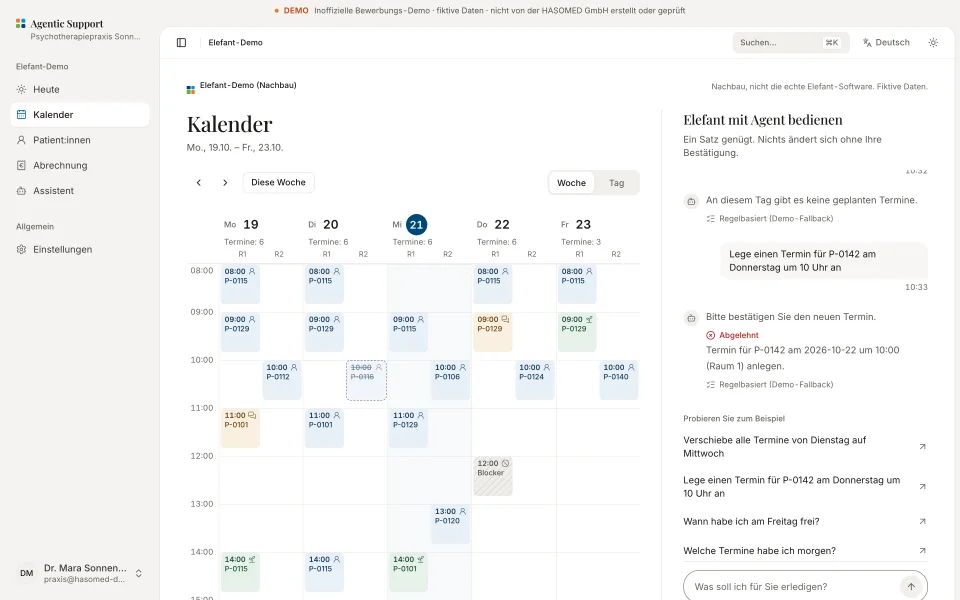
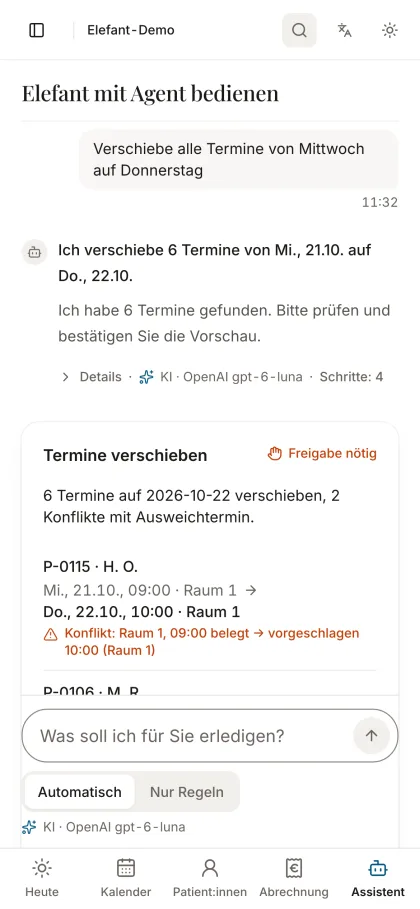
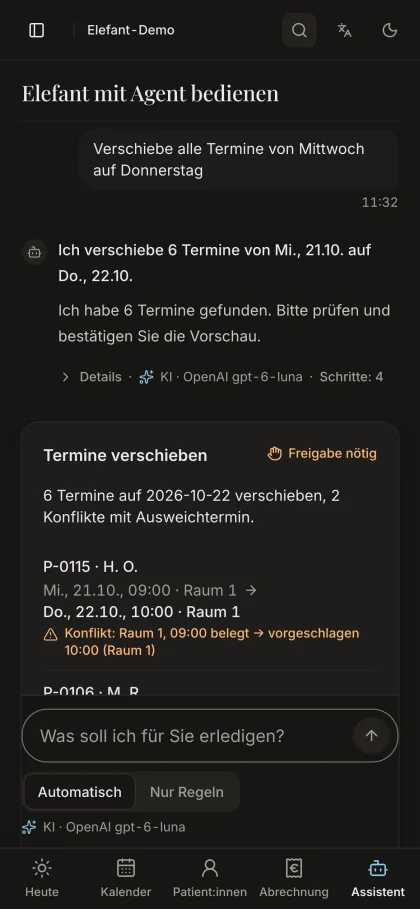
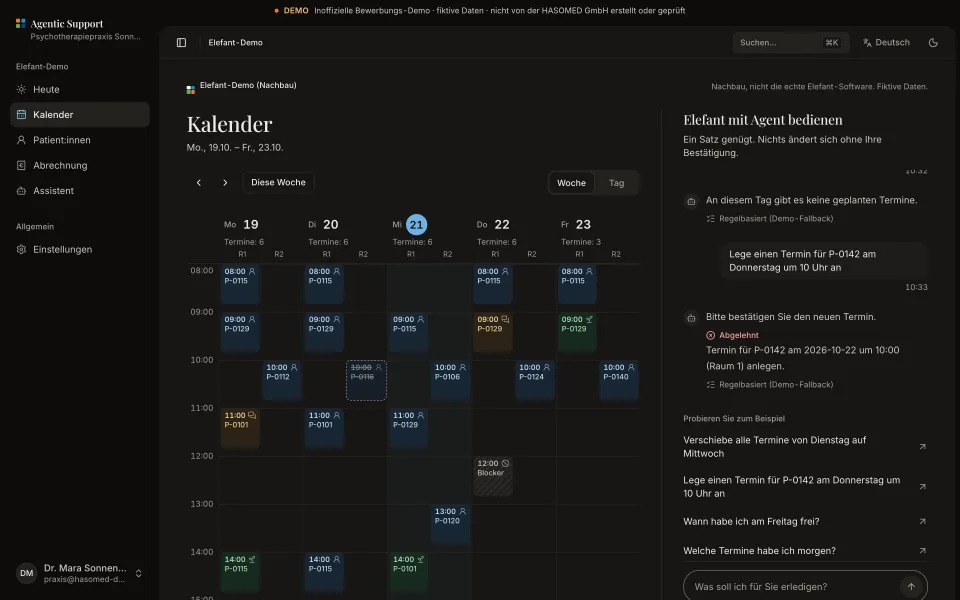
Operate Elefant with an agent
One sentence is enough: the assistant in the Elefant replica moves appointments or prepares the quarterly billing, after you confirm.
Start demo
Real tools, no magic
The numbers and rows below come live from the registry in the demo database, the same one the agent uses.
- Tools
- 22
- Skills
- 10
- Context sources
- 12
- Actions under the four-eyes rule
- 1
| Tool | Kind | Approval |
|---|---|---|
Termine findenappointments_find | Read | Automatic (read) |
Abrechnungsstand lesenbilling_status_get | Read | Automatic (read) |
Freie Zeiten findenfree_slots_find | Read | Automatic (read) |
Konfiguration ändernconfig_change_apply | Write | Four-eyes |
Termin anlegenappointment_create | Write | Confirmation |
Termine verschiebenappointments_move | Write | Confirmation |
Safety and accountability
Approval required
Write tools only produce proposals. They run after approval.
Four-eyes rule
Configuration changes need the team lead's approval.
Immutable audit
Every event is hash-chained to the previous one and can be verified.
Tenant isolation
Row-level security in Postgres separates the support team and practices.
AI optional
Without a key a rules engine runs. The UI always shows which engine ran.
Pseudonymised patients
Patients appear only as codes such as P-0142 · K. M.
No submission to KVs
Billing runs are prepared, never sent to a KV.
Built for the frontend team
Honest and short: what this demo is made of.
React
Hooks and context, components without data access, TanStack Router and Query.
Tailwind
Tokens taken from hasomed.tech, shadcn/ui as the base, light and dark.
Typed API contracts
oRPC contracts from the database to the component; the same contracts could be offered as a GraphQL schema.
Accessible
axe without serious findings, keyboard, visible focus, status never by colour alone.
Responsive
Every page checked at 390 and 1440 pixels, touch targets from 44 pixels.
Performance budgets
No chart or calendar library, preloaded fonts, images with fixed dimensions.
Operate Elefant with an agent, on the phone too
Type one sentence between two sessions, check the preview, confirm. Seven screens show what that looks like.
See the assistant